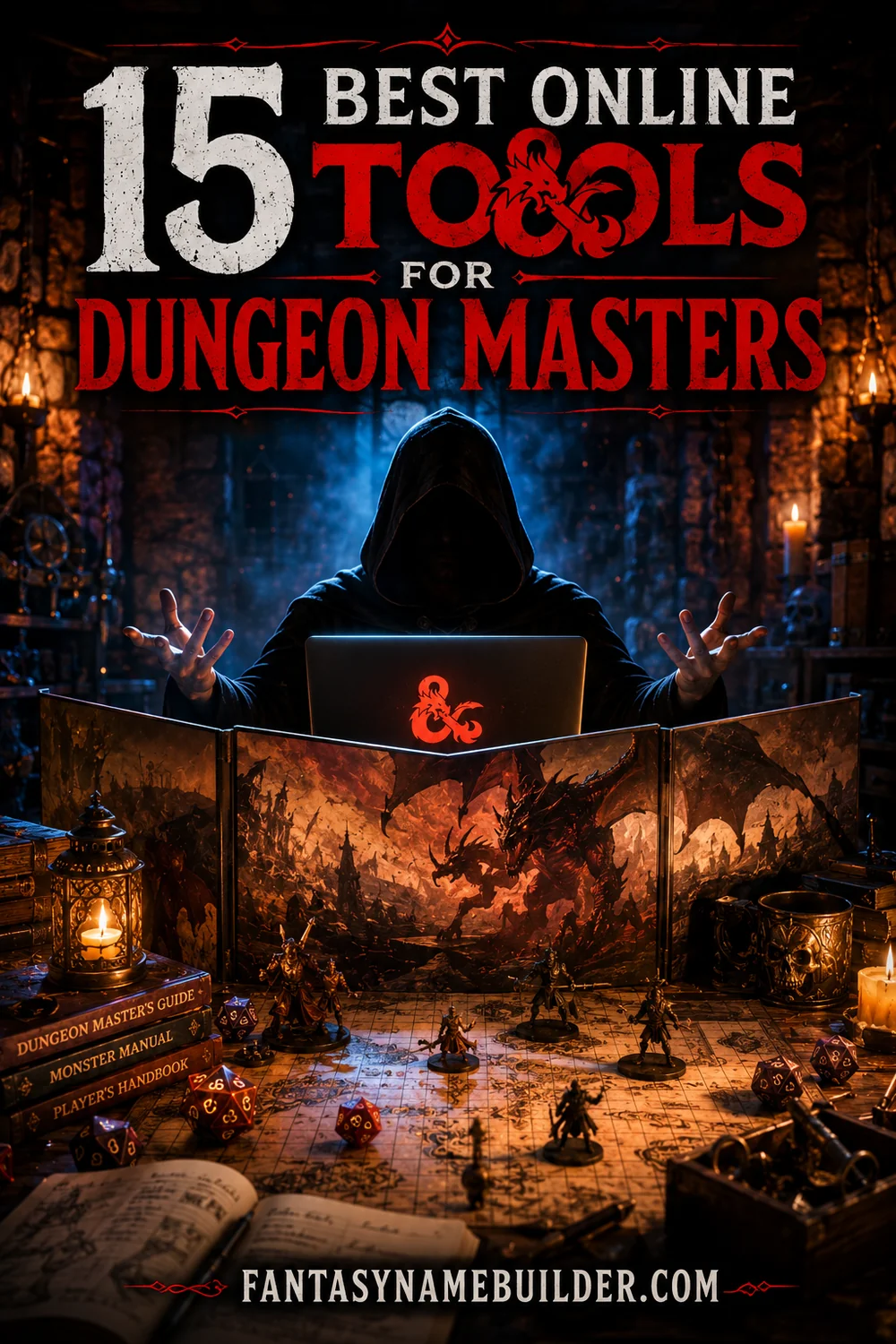
15 Best Online Tools for Dungeon Masters
Running a D&D campaign is one of the most creatively demanding things a person can do for fun. You're simultaneously the narrator, the world's geography, every NPC, the rules referee, the encounter designer, and the person responsible for making sure six people at the table are all having a good time. That's a lot. And doing it all with nothing but a rulebook and a notebook is, well, noble — but unnecessary.
The past decade has produced an incredible ecosystem of free and low-cost online tools purpose-built for Dungeon Masters. The best of them handle the tedious stuff (tracking initiative, generating encounter XP, naming NPCs on the fly) so you can spend your mental energy on the parts only you can do — the storytelling, the pacing, the moments that make your players come back every week.
This list covers fifteen tools that actually make a difference at the table. Some of them are famous in the DM community; others are underrated gems that deserve more attention. All of them are either free or have free tiers substantial enough to use indefinitely. Start with number one and work your way through — by the time you've set up the last one, you'll be running sessions with the confidence of someone who's been DMing for years.
1. Fantasy Name Builder — fantasynamebuilder.com 🏆
Why it's essential: Every DM knows the panic: a player walks up to a random merchant and asks for their name, and you have approximately two seconds before the immersion breaks. Fantasy Name Builder eliminates that problem entirely. Generate dwarf names, elf names, tiefling names, orc names, dragon names, settlement names, guild names — you name the category and it produces a list of options instantly, for free, with no login required.
The smartest DMs keep a browser tab open to Fantasy Name Builder during every session. When a player does something unexpected (which they always do), you can name the new NPC in the background while narrating the scene. It's a small thing that makes a massive difference in how alive your world feels.
2. World Anvil
Why it's great: World Anvil is the gold standard for campaign organization and worldbuilding documentation. The free tier gives you a private wiki where you can create interconnected articles for your world's history, factions, characters, geography, and lore — then link them together so everything is one click away during a session. No more digging through notebooks or scrolling through a sprawling Google Doc to find what you wrote about the thieves' guild three months ago.
It has a learning curve, but it pays off quickly once your wiki is populated. Players can also have read-only access to the parts of the world you've revealed, which creates engagement between sessions. World Anvil is where campaigns become worlds.
3. Inkarnate (Map Maker)
Why it's great: Inkarnate is the most popular fantasy map-making tool available, and its free tier is legitimately good — you get access to a solid library of terrain assets and can produce campaign-quality regional maps in an afternoon. The interface works in your browser with no software download, and the learning curve is gentle enough that a first-time user can produce something beautiful within a few hours.
Use it to make a regional map before your campaign starts, then zoom in to create city maps and dungeon layouts as your players explore. Showing your players a real map during session zero is one of those moves that immediately signals you know what you're doing.
4. Dungeon Scrawl (Free Maps)
Why it's great: Dungeon Scrawl (dungeonscrawl.com) generates clean, old-school dungeon maps in your browser using a simple drawing tool, and it's completely free. Unlike Inkarnate (which is better for regional maps), Dungeon Scrawl is optimized for floor-plan-style dungeon maps — corridors, rooms, secret doors, traps — the stuff that fills a classic dungeon crawl session.
The maps export cleanly for Roll20 or printing, and the tool is fast enough to whip up a dungeon layout mid-session if your players go somewhere you didn't prep. That last use case alone makes it worth knowing.
5. Improved Initiative (Combat Tracker)
Why it's great: Tracking initiative, hit points, conditions, and spell concentration for five players and eight enemies simultaneously is genuinely difficult, and mental overload mid-combat leads to mistakes that break immersion or skew the encounter. Improved Initiative (improvedinitiative.com) handles all of it in a clean web interface — you enter your combatants, set their HP, and track everything through the fight.
It remembers monster stat blocks you've saved, supports conditions with automatic reminders, and can be projected or shared with players so the initiative order is visible to everyone. Free, browser-based, and fast — DMs who try it rarely go back to paper trackers.
6. Kobold Fight Club (Encounter Builder)
Why it's great: Kobold Fight Club (koboldplusclub.com) is the most reliable encounter balancing tool for D&D 5e. You input your party's size and level, select monsters from a filterable database, and it tells you the expected difficulty — easy, medium, hard, deadly — based on the official XP thresholds. It's the tool to use when you're not sure if a fight will be a fun challenge or a total party kill.
The monster database is comprehensive and searchable by CR, type, size, and source. Filter by "swamp" environment and "beast" type, and you get a list of thematically appropriate monsters to populate your encounter. It removes the guesswork from encounter design entirely.
7. DonJon Random Generators
Why it's great: DonJon (donjon.bin.sh) is one of the most beloved free DM tools on the internet, and for good reason — it has a random generator for virtually everything. Dungeon layouts, wilderness encounters, treasure hoards, NPC personalities, inn names, weather tables, moon phases, even random pirate ships and sci-fi planets. It's not pretty, but it's exhaustive.
The dungeon generator is particularly useful when you need a quick layout for a location your players decided to explore without warning. The encounter generator plugs nicely alongside Kobold Fight Club. Keep DonJon in your browser tabs and you'll use it every session.
8. Sly Flourish's Tools and Lazy DM Resources
Why it's great: Mike Shea, who writes under the name Sly Flourish, has built some of the most DM-friendly free tools and articles available. His "Lazy Dungeon Master" philosophy — prep the minimum necessary, trust your players to drive the story — is reflected in his free web tools, which include session preparation worksheets, encounter building aids, and campaign structure templates.
His site (slyflourish.com) is also one of the best-written DM advice resources available. If you're feeling overwhelmed by prep, reading a few of his articles will recalibrate your expectations and give you permission to run a lighter, more improvisational game that's often more fun anyway.
9. Homebrewery (Custom PDF Creator)
Why it's great: Homebrewery (homebrewery.naturalcrit.com) lets you write D&D content — homebrew classes, spells, monsters, magic items, entire adventures — in Markdown and renders it in real time as a beautifully formatted PDF that looks like an official Wizards of the Coast product. If you've ever wanted to hand your players a custom handout or give a player a printed homebrew class, this is how you do it without graphic design skills.
It's free, browser-based, and the community shares thousands of templates and examples. DMs who create homebrew content use Homebrewery to make their work feel polished and permanent rather than jotted on a napkin.
10. Pinterest (Visual Inspiration Boards)
Why it's great: Pinterest is criminally underrated as a DM tool. Building visual mood boards for your campaign — art depicting your main villain, the style of your world's architecture, what the haunted forest looks like — gives you a visual anchor for narrating scenes and helps players quickly form mental images of your world.
Create a secret board, fill it with art that matches each location and major NPC, and pull it up during session prep. The difference between narrating a scene with visual reference and narrating it cold is significant, even if the players never see the board. You'll describe things with more specificity and confidence.
11. Spotify (Ambient Music)
Why it's great: Music transforms the atmosphere of a D&D session in a way that's hard to appreciate until you try it. Spotify's free tier (with ads) is acceptable for session use, and there are hundreds of curated D&D playlists covering every mood — tavern ambience, dungeon crawl tension, epic battle music, peaceful forest exploration. Search "D&D tavern music" or "D&D battle music" and you'll find playlists with millions of streams.
The trick is to have playlists ready for different moods and to transition between them smoothly. Keep a quiet ambient track running by default and switch to something more intense during combat — it's a subtle cue that immediately raises the table's energy.
12. Syrinscape (Sound Effects)
Why it's great: If you want to go beyond music into full environmental sound design, Syrinscape is the premier tool for it. It has layered soundscapes — dripping dungeon caverns, bustling markets, crackling firestorms — that you can trigger and control in real time during a session. The free sampler gives you a taste of what's possible; the paid subscription is worth it for DMs who want audio to be a major part of their sessions.
The difference between playing ambient music and playing Syrinscape's layered soundscapes is like the difference between a photograph and a film set. When players hear real rain sounds during a stormy scene, the immersion deepens instantly.
13. DMHub
Why it's great: DMHub is a newer virtual tabletop that includes built-in campaign management, dynamic lighting, and 3D rendering features that traditionally required expensive software. Its free tier is generous, and it's particularly impressive for DMs who want a more visually polished digital tabletop than Roll20's classic interface without the cost of Foundry VTT.
It's still growing — the feature set isn't as mature as Roll20 — but DMs who try it often appreciate its cleaner interface and more modern aesthetic. Worth bookmarking even if you're happy with Roll20 for now.
14. Roll20 (Virtual Tabletop)
Why it's great: Roll20 remains the most widely used virtual tabletop for a reason: it works, it's free to start, and every online player already knows how to use it. As a DM on Roll20, you get a digital canvas for maps, built-in dice rolling, character sheets, NPC management, and video/voice chat — everything you need to run a full campaign remotely.
The API scripting available on paid tiers is extremely powerful, enabling automation of initiative rolling, random tables, and custom macros. Even the free tier, though, handles 90% of what most DMs need. It's the default platform for online D&D for good reason.
15. Notion (Campaign Notes)
Why it's great: Notion is the best general-purpose organizational tool for long-running campaigns, especially if you want something more flexible than World Anvil. Its free tier is generous and its database features — linked pages, filtered views, kanban boards — are perfect for tracking open plot threads, NPC statuses, player backstory hooks you're planning to activate, and session notes.
Many DMs use both World Anvil (for public-facing worldbuilding lore) and Notion (for private DM prep and session notes). If you're only going to use one, Notion is the more flexible choice and requires less initial setup.
Frequently Asked Questions
What's the single most important tool for a new Dungeon Master?
Fantasy Name Builder, because nothing breaks immersion faster than blanking on an NPC's name. Beyond that, D&D Beyond for rules reference, Kobold Fight Club for encounter balancing, and Improved Initiative for combat tracking cover the three areas where new DMs struggle most.
Do I need to pay for DM tools to run a good campaign?
No. Every tool on this list either has a free tier or is completely free. The paid versions of World Anvil, Syrinscape, and Roll20 are nice upgrades, but thousands of excellent campaigns run entirely on free tools. Start free and upgrade only if you hit a specific limitation.
How do I manage session prep without spending hours each week?
Read Sly Flourish's Lazy DM approach — it genuinely works. Focus on prepping scenes and characters rather than outcomes. Use DonJon for content you don't want to prep in advance. And lean on Fantasy Name Builder so naming NPCs takes seconds instead of minutes.
What's the best tool for running D&D online?
Roll20 for the virtual tabletop, Discord for voice chat (Roll20's built-in video is decent but Discord is more reliable), and Fantasy Name Builder, DonJon, and Kobold Fight Club in browser tabs. That setup handles 95% of what online DMs need.
How do I keep track of my players' character backstories and plot hooks?
Notion is the best tool for this. Create a page for each player character with their backstory details, the hooks you plan to activate, their relationships with NPCs, and notes from how they've developed over the campaign. Reviewing these pages during prep helps you personalize encounters in ways that make players feel seen.
🔗 More Fantasy Name Resources
Never Blank on an NPC Name Again
👉 Open the Fantasy Name Builder Free — names for every race, class, and world. ⚔️